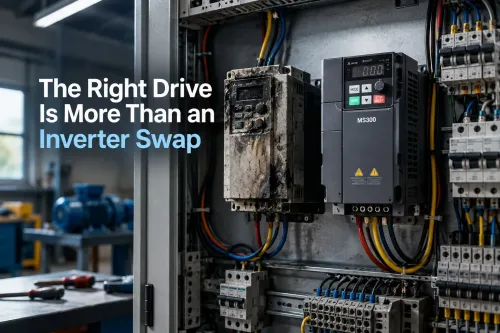

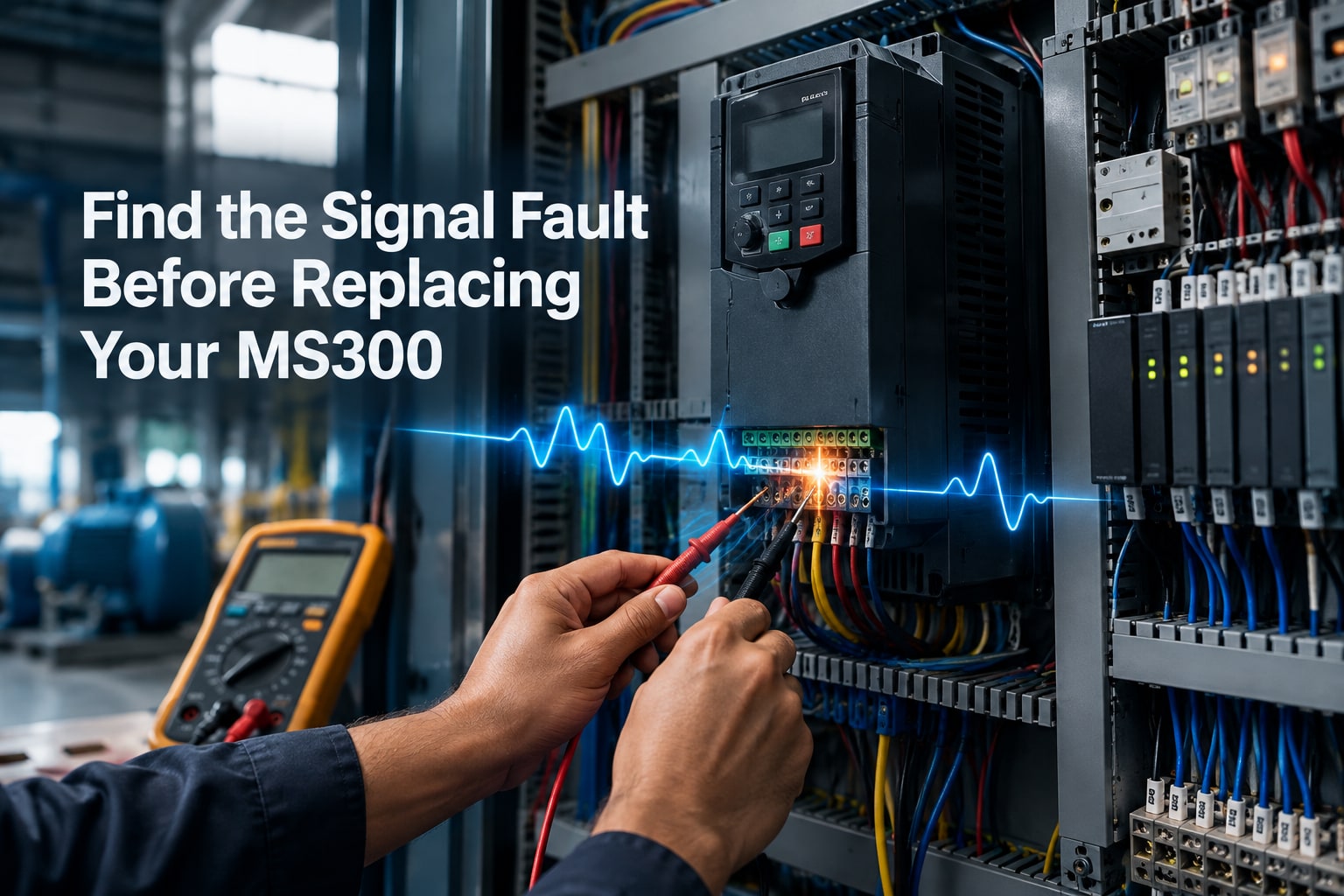
A stopped motor does not prove that the inverter has lost its run command. By checking power, command source, input status, frequency reference, interlocks, and motor-side conditions in the correct order, you can identify whether the fault is in the control wiring, configuration, signal quality, or the drive itself.
Key takeaways
- Check keypad power, fault codes, run source and frequency-reference source first.
- Match two-wire or three-wire wiring with the MS300 control parameters.
- Measure analogue reference voltage or current at the drive terminals.
- Replace the drive only after wiring, PLC logic and interlocks pass testing.
What should you check first when the MS300 does not respond?
Start with the MS300 keypad: confirm it is powered, then check for an active alarm or fault code. This separates a missing control supply from an absent run command, invalid frequency reference, active inhibit, or motor-side fault.
1. Check the operation-command source and frequency-command source separately. The drive may receive a valid run command while taking its speed reference from the keypad, RS-485, AVI, or ACI.
A delta ms300 vfd control signal problem in Vadodara plants can therefore appear to be a run-input failure when the selected frequency source is wrong or producing zero.
2. Open the input-status monitor and watch the assigned MI terminal while the PLC output or contact closes. Measure voltage at that MS300 terminal relative to the correct digital common, not only at the PLC output. If the MI status does not change, investigate the wiring, common reference, input assignment, and PLC output convention.
3. Check external base block, emergency-stop, coast-to-stop, STO where fitted, overload, fault-reset logic, and every assigned interlock. A higher-priority inhibit can block output even with a valid RUN command.
4. If RUN appears without output frequency or motor torque, check frequency limits, motor connection, missing phase, motor data, active faults, and mechanical interlocks. Reserve delta ms300 run signal failure for a condition confirmed by the digital-input status display, not merely because the motor does not rotate.
How do you verify two-wire, three-wire, and digital-input control?
A two-wire/three-wire mismatch can mimic a defective input. Two-wire control needs a maintained contact or PLC output on the assigned MI input; a momentary pulse disappears when the contact opens, so the drive stops. Three-wire control uses separate momentary START and STOP commands, and the STOP permissive must remain closed.
- Prevent unintended starting under an approved safe test procedure. Isolate the machine command, keep the emergency stop, guard switch, overload relay, and safety circuit active, and operate only one control contact at a time.
- Check the operation-command source and identify the exact MI terminal assignment. An MI terminal may be configured for run, reset, jog, multi-speed, external base block, or an interlock—not necessarily START.
- Confirm the selected logic polarity and input mode. Match the PLC output—PNP sourcing, NPN sinking, relay, or open collector—to the MS300 +24 V and DCM/common arrangement.
- Measure the signal at the MS300 input relative to its relevant digital common while opening and closing the assigned contact. A voltage at the PLC output alone proves little.
- Watch the MS300 input-status display. The indicated state must change with the contact; otherwise investigate the common, wiring, assignment, or polarity.
A delta ms300 command signal issue is confirmed only when the intended input sequence fails at the drive. Reserve delta ms300 run signal failure for that condition, not for a motor that remains still because of an active inhibit, frequency limit, fault, or motor-side problem.
How can you find an analogue speed-reference fault?
A valid RUN indication with zero speed, minimum speed, or an unstable frequency points to the analogue reference path, not automatically to a failed drive. For a Delta VFD external control problem, confirm whether the MS300 expects AVI voltage or ACI current; these are separate signal paths.
1. Measure the AVI signal between the MS300 analogue input and signal common. A correct 0–10 V command should change as the speed demand changes. A missing common can collapse the voltage signal.
2. For ACI, measure loop current at the drive and again at the transmitter. An open 4–20 mA loop normally reads approximately 0 mA. A 4–20 mA transmitter connected to a voltage-configured input will not provide a valid speed reference.
3. Check polarity, shield continuity, analogue scaling, bias, upper and lower frequency limits, and the configured analogue-input loss response. Inspect the PLC analogue-output settings and confirm that a process interlock is not limiting the command.
4. In Vadodara plant panels, route analogue and digital cables away from motor and braking-resistor cables. Do not use the motor protective-earth conductor as an analogue return; terminate the shield according to the installation design rather than bonding it at several arbitrary points.
If the command changes when contactors or solenoid valves switch, log the reference and control voltage during that event. Testing only with the plant idle can hide an intermittent Delta MS300 command signal issue.
Which PLC, interlock, parameter, and keypad clues identify the real cause?
A PLC output that reads ON does not prove the MS300 received the command. Trace the chain in order: PLC output, relay contact, MS300 MI terminal, and the keypad input-status indication. A proximity sensor, overload relay, emergency-stop contact, door switch, permissive, or external base-block input can open that chain.
Measure voltage at the MI terminal against the drive’s correct digital common, not only at the PLC.
Watch the control voltage while contactors, valves, or other loads switch. A shared 24 V supply can collapse under load and create an intermittent delta ms300 command signal issue.
Compare the complete installed parameter set with the approved machine backup. Check:
- Operation-command and frequency-command sources
- MI assignments, polarity, and two-wire or three-wire mode
- Analogue scaling and minimum frequency
- Acceleration, deceleration, stop behaviour, and fault handling
A copied keypad file can silently turn the expected run input into reset, jog, multi-speed, or base-block.
| Keypad clue | Likely meaning | Next check |
|---|---|---|
| Run displayed, zero frequency | Reference limit or inhibit | Frequency source, minimum frequency, base block, STO |
| Input monitor unchanged | Field circuit or assignment fault | Relay, common, polarity, MI assignment |
| Fault history active | Drive protection operated | Alarm code and fault cause |
| Run displayed, no torque | Motor-side condition | Output phase, motor data, mechanical interlock |
Reserve delta ms300 run signal failure for a fault confirmed by the input-status display. A displayed run command without torque can indicate an active fault, output-frequency limit, missing motor phase, incorrect motor data, base block, STO, or mechanical interlock—not a failed input.
When should you repair the control circuit or replace the MS300?
Replace an MS300 only when a known-good control arrangement fails to change the assigned input state. A PLC output voltage alone is weak evidence; the drive’s input-status monitor, measured control voltage, and failure history provide stronger proof.
1. Record keypad power, alarm code, input-status state, operation-command source, frequency-command source, frequency reference, control voltage, and PLC output. This separates a delta vfd external control problem from a missing reference, active inhibit, or power-stage fault.
2. Under an approved safe procedure, isolate the PLC or relay wiring and test the assigned MI input using the MS300’s intended control-supply and common arrangement. Change one signal at a time, prevent unintended starting, and do not bypass an emergency stop, guard, overload, or STO circuit.
3. If the input state follows the field wiring, repair the PLC PNP/NPN convention, common reference, relay contact, sensor, shield, interlock, or parameter assignment. If it stays inactive with a known-good arrangement, test the terminal circuit and drive hardware before authorising replacement.
4. Check panel temperature, dust, condensation, and control-power stability separately. Log voltage while contactors, solenoid valves, or PLC outputs switch; a shared 24 V supply can collapse under load.
For a delta ms300 vfd control signal problem in vadodara, Shree Sahastra Enterprise (Authorised dealer of LU can help organise configuration and replacement checks. Provide the model, parameter backup, fault history, wiring diagram, PLC output type, and measured signals so the decision rests on evidence.
Frequently asked questions
What should you check first when the Delta MS300 does not respond?
Confirm keypad power, read any active alarm or fault code, and verify the selected run command and frequency-reference sources. Then check the control supply, terminal wiring, safety interlocks and motor-side faults.
How do you verify two-wire, three-wire, and digital-input control on an MS300?
Compare the control wiring with the configured input mode. Two-wire control uses maintained run and stop states, while three-wire control uses separate momentary start and stop inputs. Check each digital input at the terminal and in the drive monitor while operating the switches or PLC outputs.
How can you find an analogue speed-reference fault?
Measure the reference directly at the MS300 analogue-input terminals. Check whether the signal is 0–10 V or 4–20 mA, confirm the matching input mode and scaling parameters, and inspect the common, shield, polarity and broken-wire condition.
When should you repair the control circuit or replace the MS300?
Repair wiring, PLC logic, interlocks, switches or parameter settings when the drive responds correctly to a known-good local test. Consider replacement after control signals and parameters are proven, but the keypad, input terminals or drive hardware still fails.