

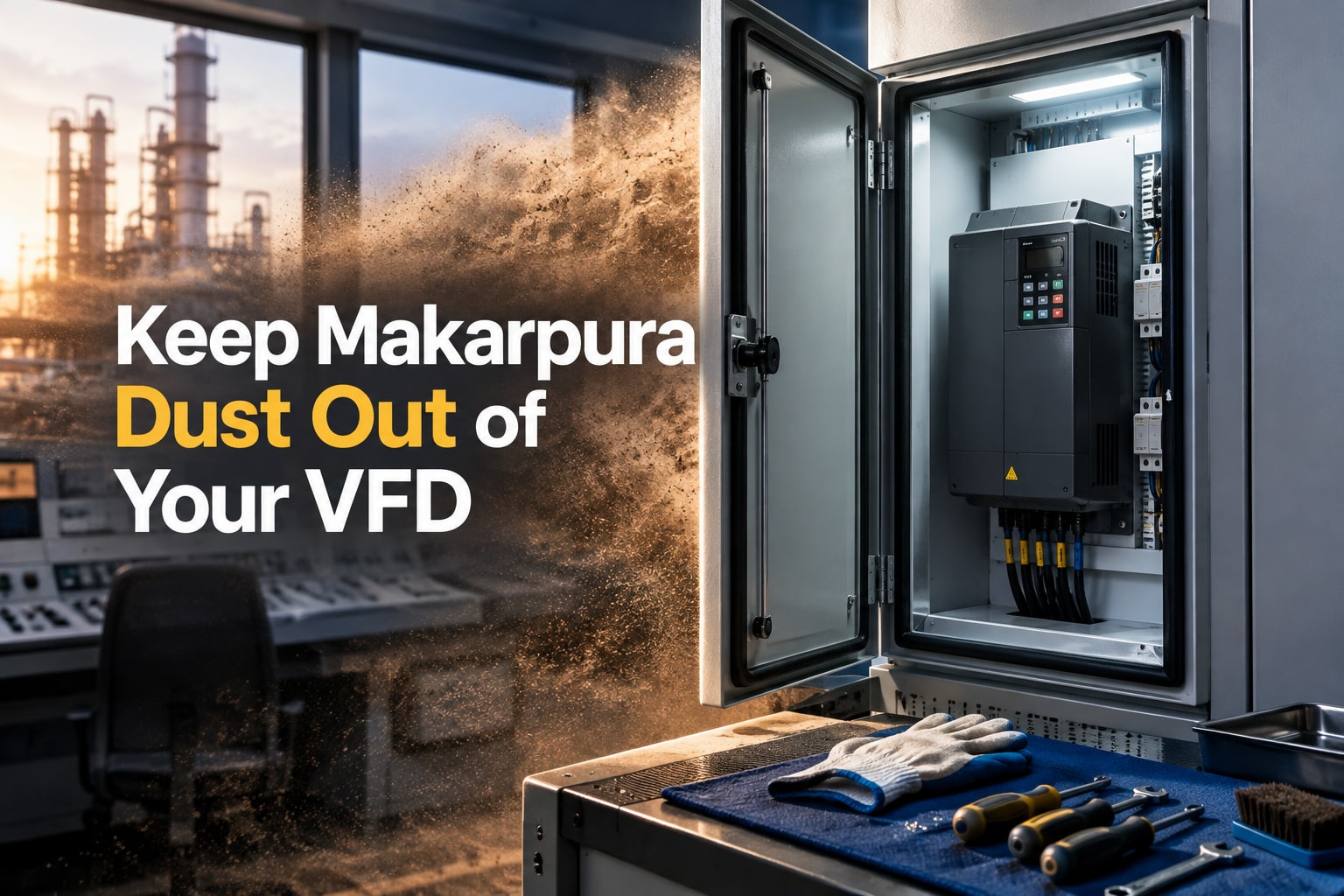
Dust does more than make a Delta MS300 look dirty: it restricts cooling, contaminates terminals and circuit boards, and can turn normal production into nuisance trips or premature drive failure. You will be able to identify the contamination risk, set a site-based inspection routine, clean the drive safely, and choose panel protection suited to your plant conditions.
Key takeaways
- Check the heatsink, fan, vents and cabinet filters for dust buildup.
- Isolate power and verify zero voltage before opening or cleaning the drive.
- Use filtered, positive-pressure cabinets where Makarpura dust enters control panels.
- Record temperatures, trips, cleaning dates and checks before restarting the VFD.
How dust damages a Delta MS300 in a Makarpura plant
A rising heatsink temperature, a clogged cooling fan, or repeated overtemperature trips means dust is already affecting a Delta MS300’s reliability. The drive may still run, but restricted airflow raises internal temperature and accelerates ageing of capacitors, fans and power components.
Good delta ms300 vfd dust care in makarpura starts by identifying what the dust contains, not just how much is visible. Watch for:
- Fine cement, powder or grinding dust packed across the heatsink fins and fan guard
- Carbon or graphite dust forming a dark coating on circuit boards and terminals
- Metal dust settling on busbar connections, control boards or insulation surfaces
- Oily dust sticking to filters and trapping more particles
- Moist dust causing corrosion, tracking marks or a burnt smell
- Dust-packed cabinet filters, weak fan airflow, rising cabinet temperature or unusual fan noise
- Nuisance overcurrent, overvoltage or overtemperature alarms without a corresponding process change
- Loose or discoloured terminals, which indicate heat from a poor connection rather than harmless surface dirt
A standard MS300 is an IP20 open-type drive. IP20 does not stop dust entering, so the installed cabinet, filter, cable glands and unused-opening covers determine protection in the Makarpura plant. Grinding, foundry, cement, powder-handling and carbon-dust areas demand a shorter inspection cycle than a clean assembly area.
Extend it only after repeated inspections show clear airflow paths, stable temperature and normal alarm behaviour.
What to inspect daily, weekly, monthly and during shutdowns
Build the routine from a baseline inspection, not a calendar habit. Start with a clean installation, then shorten the interval where dust reaches the fan or heatsink quickly. Extend it only after repeated checks show clear airflow paths, stable temperature, and no new alarms.
- Daily: Check the cabinet exterior, louvers, filter indicator, keypad alarms, drive temperature, and cooling-fan noise. A rising temperature or rattling fan warrants an earlier inspection.
- Weekly: Inspect cabinet filters, louvers, fan inlets, and visible air passages separately. Record dust loading and check positive-pressure panels for operating fans, clean filters, sealed doors, and stable differential pressure.
- Monthly: Under your plant’s approved inspection conditions, examine the MS300 heatsink, cooling fan, air passages, terminals, and cabinet interior. A clean front cover does not prove that the heatsink or fan inlet is clear.
- During shutdowns: Stop the motor, isolate incoming power, apply lockout/tagout, wait the DC-bus discharge time specified in the MS300 manual, and measure the DC bus before touching terminals or internal parts. Use a low-static vacuum and soft, dry, non-shedding brush; do not use a routine high-pressure air gun.
For delta ms300 dust maintenance, record inspection date, dust location, filter condition, temperature, alarms, and corrective action. Shorten the next interval for grinding, foundry, cement, powder-handling, or carbon and metal-dust areas. A stopped motor or dark keypad is not proof of safe isolation.
How to isolate and clean the drive without spreading contamination
A dark keypad does not prove the DC link is safe. For delta ms300 dust maintenance, stop the motor, isolate every incoming and auxiliary supply, apply the plant lockout/tagout procedure, and wait the DC-bus discharge time stated in the exact MS300 manual.
- Wear safety glasses, suitable gloves and respiratory protection selected for the dust and its safety data sheet. Prevent nearby workers from entering the cleaning area.
- Prove your voltage tester on a known live source, measure the DC bus with a correctly rated meter, and confirm zero voltage before removing covers or touching terminals.
- Place a cover or extraction nozzle around the drive so loosened dust cannot enter contactors, PLCs, motors or other open equipment.
- Use an ESD-safe, low-static vacuum and a soft, dry, non-shedding brush. Lift dust from circuit boards and heatsinks; do not press the nozzle onto components or force debris through vents.
- Clean the fan and filter gently without spinning the fan at high speed. Replace a cracked fan, blocked filter or noisy bearing rather than trying to restore it with air.
- Keep moisture, solvents and high-pressure air away from boards, terminals and cable entries. Never loosen a power terminal merely to clean beneath it.
- Stop and obtain electrical inspection if dust is metallic, carbonaceous, damp, caked, corrosive, or accompanied by tracking.
For industrial drive cleaning in makarpura, record the drive tag, model, dust type, fan and heatsink condition, corrosion or tracking, and the measured DC-bus result. Surface cleaning is not clearance to energise a drive exposed to conductive contamination.
Which cabinet protection works for Makarpura dust conditions
Do not expose an IP20 MS300 directly to Makarpura plant air. For vfd dust protection in Makarpura, choose a closed electrical cabinet with filtered, controlled airflow, sealed doors, proper cable glands and blanking plugs for every unused opening.
| Option | What it means | When it applies |
|---|---|---|
| Filtered closed cabinet | A cabinet-mounted filter and fan supply cooling air while the drive remains enclosed | Use as the baseline for ordinary airborne dust |
| Positive-pressure cabinet | Filtered air enters continuously, creating outward airflow through minor gaps | Use only when the cabinet is sealed and you record fan operation, filter condition and differential pressure |
| Sealed cabinet with air-to-air heat exchanger | Internal air recirculates; heat crosses a sealed exchanger without bringing room dust inside | Use where dust is heavy or conductive and heat load permits |
| Panel air conditioner | A closed-loop cooler removes drive and cabinet heat without exchanging dusty room air | Use when ambient temperature and MS300 losses exceed passive or filtered cooling capacity |
A sealed panel without heat removal can turn dust protection into over-temperature trips. Size the fan, heat exchanger or air conditioner from MS300 losses, cabinet heat load and the actual ambient temperature; never block the heatsink, fan inlet or exhaust path.
Keep the drive in a separate clean section from contactors, grinding operations and dusty cable routes. Shree Sahastra Enterprise, authorised dealer of LU, can help verify the exact MS300 frame and enclosure option from its nameplate and manual before you finalise the cabinet.
Inspect the filter frame, door gasket, cable glands, heatsink and fan as separate dust-entry and cooling points.
What to record and check before returning the VFD to service
Return the Delta MS300 to service only after the record shows that contamination was removed and no electrical warning remains. “Cleaned” alone cannot distinguish routine dust removal from a contamination event.
1. Record the drive tag, exact MS300 model and frame, date, dust type, cabinet and filter condition, heatsink and fan condition, visible corrosion or tracking, alarm history, measured DC-bus safety result, and corrective action.
2. Inspect with power isolated: confirm clear cooling paths, a freely rotating fan, clean terminals, intact insulation, and no conductive residue, burnt connection, moisture, corrosion, or carbon track. A damaged terminal or tracked board is not a cleaning success.
3. Check the enclosure after cleaning. Close doors, seal cable glands and unused openings, and confirm filter frames sit tightly; a large unsealed cable cut-out can defeat vfd dust protection in makarpura.
4. Re-energise only after the cabinet and components are fully dry. Run the motor first without load, then under normal load, and record current, output frequency, heatsink temperature, fan operation, and any trip or alarm against the pre-cleaning baseline.
5. Stop and obtain qualified electrical or specialist attention if the DC bus does not discharge as specified, insulation resistance is abnormal, alarms return, or you find tracking, corrosion, burnt terminals, or fan-bearing noise. Do not megger connected electronics without following Delta’s procedure.
Use the record to set the next inspection date. For industrial drive cleaning in makarpura, shorten it after conductive or heavy process dust; extend it only after repeated clean inspections and stable temperatures and alarms.
Frequently asked questions
How does dust damage a Delta MS300 VFD in a Makarpura plant?
Dust blocks cooling paths, restricts fan airflow and raises heatsink temperature, accelerating ageing in capacitors, fans and power components.
What should you inspect before cleaning a Delta MS300 VFD?
Check the heatsink, cooling fan, air vents, cabinet filters, cable entries and signs of overtemperature trips or restricted airflow.
How do you clean a Delta MS300 without spreading contamination?
Isolate the drive, verify zero voltage, prevent dust from entering nearby equipment and use controlled vacuum cleaning rather than blowing contamination through the cabinet.
Which cabinet protection suits dusty Makarpura conditions?
Use a sealed or filtered positive-pressure cabinet selected for the site dust load, with maintained filters and protected cable entries.