
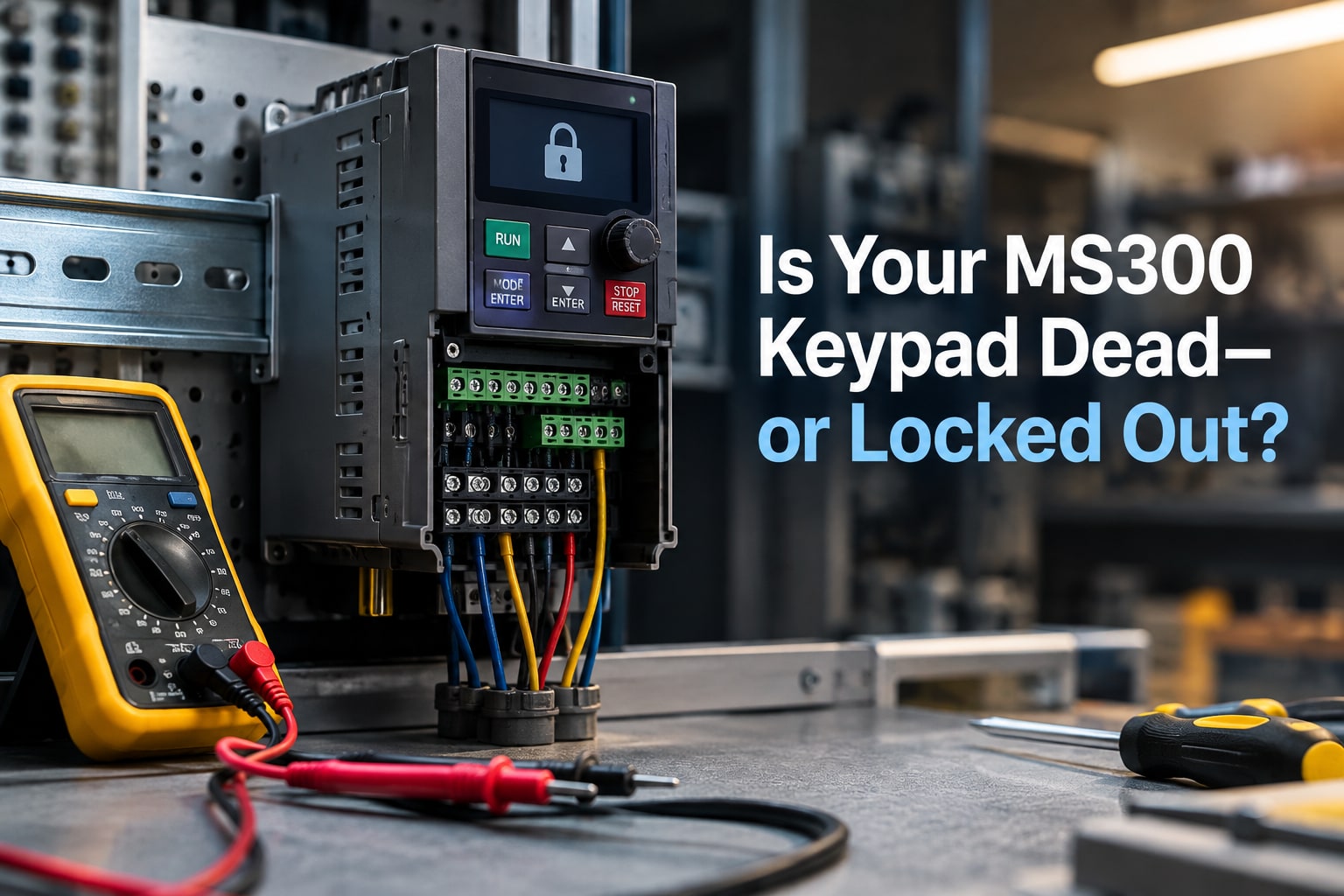
A blank screen, failed RUN key, or keypad that works only after cabinet movement can come from different parts of the drive system. By following a safe sequence, you can separate a keypad fault from a control-board, wiring, power, configuration, or external-interlock problem before resetting or replacing anything.
Key takeaways
- Record the model, keypad part number, LEDs, fault code, and failure sequence.
- Isolate power before inspecting the keypad cable, connector, and drive terminals.
- Check keypad control mode, parameter locks, external stops, and command-source settings.
- Test with a known-good keypad before condemning the MS300 drive section.
Separate a Dead Keypad from a Live Drive-Control Problem
Before testing, treat the keypad symptom as evidence, not a diagnosis. Record the exact MS300 model and capacity code, keypad part number, display condition, LED status, active fault code, and the event sequence that preceded the failure.
1. If the display is completely dark, check incoming power, the drive’s control-power circuit, the keypad connection, and the control board first. A blank screen does not prove the keypad has failed.
2. If the display is lit but no key responds, suspect the keypad membrane, keypad electronics, cable, connector contacts, parameter lock, or operator-to-drive communication. This is a possible delta ms300 keypad problem, not yet a confirmed one.
3. If navigation works but RUN does nothing, check the command source, local or external mode, terminal logic, and interlocks before condemning the keypad. An external STOP, base-block, or safety input can hold the drive still while the keypad remains healthy.
4. If the display works but the motor does not move, photograph the screen before pressing RESET. Record fault history and every warning or indication for undervoltage, overload, overcurrent, motor-thermal protection, base-block, and external stop.
5. Note whether the symptom changes after a cold power cycle, cabinet-door movement, vibration, or temperature change. A delta ms300 vfd keypad not working in vadodara can reflect cable strain or a control-board fault rather than a failed operator.
Use a Safe Power and Connector Inspection Sequence
Stop the machine and prevent an unexpected start before touching the Delta MS300. Safe delta vfd keypad troubleshooting begins with lockout and tagout, not with pressing RUN or swapping parts.
1. Isolate the MS300 from its incoming supply under your site’s lockout and tagout procedure. Do not connect or disconnect a detachable keypad while energised unless the exact Delta model instructions explicitly permit it.
2. Wait for the DC-bus discharge indication and the discharge time specified in the MS300 manual. Then verify the absence of hazardous voltage with an appropriately rated meter and approved test method.
3. With power isolated, inspect the keypad cable end to end. Check for crushed insulation, sharp bends, pulled conductors, loose mounting, bent or recessed pins, contamination, moisture, dust deposits, and a connector that is not fully seated.
4. Inspect the enclosure for vibration damage, loose terminal hardware, discolouration, an overheated smell, blocked ventilation, and condensation. Reseat the connector only after confirming that the drive is safe to service.
5. Refit covers and clear tools and personnel before restoring power. If the display remains dark, a qualified technician must check the input supply and control-power state according to the MS300 manual.
A Delta MS300 drive keypad failure is not proven by a blank screen. A failed control board or internal power supply can produce the same symptom, so do not assume a keypad replacement will repair the drive.
Check Command Sources, Locks, and External Stop Conditions
A healthy keypad can ignore RUN when the MS300 is set to accept commands from terminals, serial communication, or an option card. This Delta MS300 keypad problem is a control-source issue, not proof that the operator has failed.
| Source selected | What you may see | What to check |
|---|---|---|
| Keypad | RUN responds, but frequency may remain unchanged | Local mode and frequency-reference setting |
| Terminals | RUN appears ineffective | Terminal-status display, input polarity, STOP, base-block, and interlock |
| Communication or option | Keypad displays normally but cannot start the drive | Communication status, selected option, and active command source |
For Delta VFD keypad troubleshooting, check the displayed operating mode and the MS300 parameters selecting the run-command source and frequency-command source. Confirm whether the keypad is intended to control the drive locally or only monitor an external command. Preset speeds and analogue inputs can also override the frequency you enter.
If navigation works but editing does not, record the displayed password, write-protection message, or keypad-lock indication. Use the model-specific unlock procedure; repeated guesses or a factory reset can erase motor, I/O, ramp, and protection settings.
Check these conditions before pressing RESET:
- External STOP, emergency-stop chain, safety input, base-block, or terminal-logic interlock active
- Actual fault code, warning, undervoltage, overload, overcurrent, or motor-thermal indication
- Fault history, before clearing any code
- Complete parameter set and motor nameplate data, photographed or exported before a reset
A reset will not correct a wrong command source and can create a new no-run condition.
Prove Whether the Keypad or Main Drive Section Has Failed
Identify the failed assembly by comparing unrelated keypad functions with an independent control path; one dead key points to a different fault than a drive that ignores every command. This is the core of Delta MS300 drive keypad failure and practical Delta VFD keypad troubleshooting.
1. With guards fitted and unexpected starting prevented, test RUN, STOP/RESET, MENU, navigation, and parameter-entry keys. If the display, navigation, and most keys work but one key or group fails, suspect a worn switch membrane, contaminated surface, keypad electronics, or contact fault. Clean only as Delta permits; never spray liquid into the operator.
2. If operation changes during vibration, cabinet-door movement, or temperature changes, inspect connector strain, cable conductors, keypad mounting, and contact pressure before replacing the operator. Intermittent communication can return after a connector is reseated.
3. Install only the correct MS300-compatible replacement operator, with power isolated. Confirm motor nameplate values, retained parameters, command sources, acceleration and deceleration times, and terminal assignments after fitting it.
4. A qualified person can separate keypad failure from the main drive section by using an approved external-terminal test or the configured communication interface. Keep guards and safe motor conditions in place. If a valid external RUN and frequency command operate the drive while the keypad does not, suspect the keypad, cable, or operator connection.
5. If neither keypad nor external control responds, investigate the control board, input supply, safety circuit, power stage, active fault, and output wiring.
Choose Repair Support and Preserve the Original Configuration
Stop field checks when the display remains blank after supply and connection checks, hazardous-voltage measurements are needed, the control board is suspected, a fault returns immediately, or the motor could start unexpectedly.
| Symptom | Stop point | Specialist focus |
|---|---|---|
| Blank display after checks | Stop testing | Control power, board, or keypad circuit |
| Voltage measurement required | Isolate and refer | Safe electrical diagnosis |
| Fault returns immediately | Stop resetting | Root fault and drive condition |
| Unexpected start possible | Stop operation | Interlocks, terminals, and safe control |
Send the technician:
- Exact MS300 model and capacity code, keypad part number, and photographs of the display and LEDs
- Active and historical fault codes, plus the parameter backup
- Motor nameplate values, command-source settings, and the result of any external-terminal or communication test
- Recent wiring, control-panel, or enclosure changes
For a delta ms300 vfd keypad not working in vadodara, Shree Sahastra Enterprise, Authorised dealer of LU, can help identify a compatible keypad and separate an operator fault from a drive fault. Ask for model compatibility before ordering; a delta ms300 drive keypad failure is not proven by a dark or unresponsive operator.
Treat replacement as one diagnostic step. After fitting it, verify local or external mode, frequency reference, motor data, acceleration and deceleration times, terminal logic, and protection values. A reset or incompatible keypad can create a second no-run condition by changing the original configuration.
Frequently asked questions
How do you separate a dead Delta MS300 keypad from a live drive-control problem?
Record the display and LED condition, then check whether the drive responds to external terminals, communication commands, or a known-good keypad. A running drive with an unresponsive keypad points toward the keypad, cable, or connector.
What is a safe power and connector inspection sequence for a Delta MS300 keypad problem?
Stop the machine, isolate and lock out the incoming supply, wait for the DC bus to discharge, and verify the absence of voltage with suitable test equipment. Inspect the keypad cable and connectors for looseness, bent pins, contamination, or damage before restoring power.
Which command sources, locks, and external stop conditions should you check?
Confirm whether the MS300 is set to keypad, terminal, or communication control. Check parameter-write locks, local or remote selection, emergency-stop circuits, external base-block inputs, and active stop or fault conditions.
How can you prove whether the keypad or main Delta MS300 drive section has failed?
Compare the symptom with a compatible known-good keypad and cable, while checking the drive's status LEDs, fault history, terminal response, and communication status. If the replacement keypad works, the original keypad or cable is defective; if both fail, investigate the drive control section.
How should you choose repair support for a Delta MS300 drive keypad failure?
Provide the exact model and capacity code, keypad part number, fault history, wiring or parameter backup, photos of connectors, and the event sequence. Ask support to preserve the original configuration and confirm compatibility before replacing parts.